
Real-time monitoring
Review temperature, humidity, door, and power readings across your sites. Site status highlights locations with alarms or offline devices.
Monitoring, alarms, and records in one place.
Everything you need to protect temperature-critical inventory — real-time readings, alarms that reach a person, and records that survive an audit — in a tool a small team can actually run.
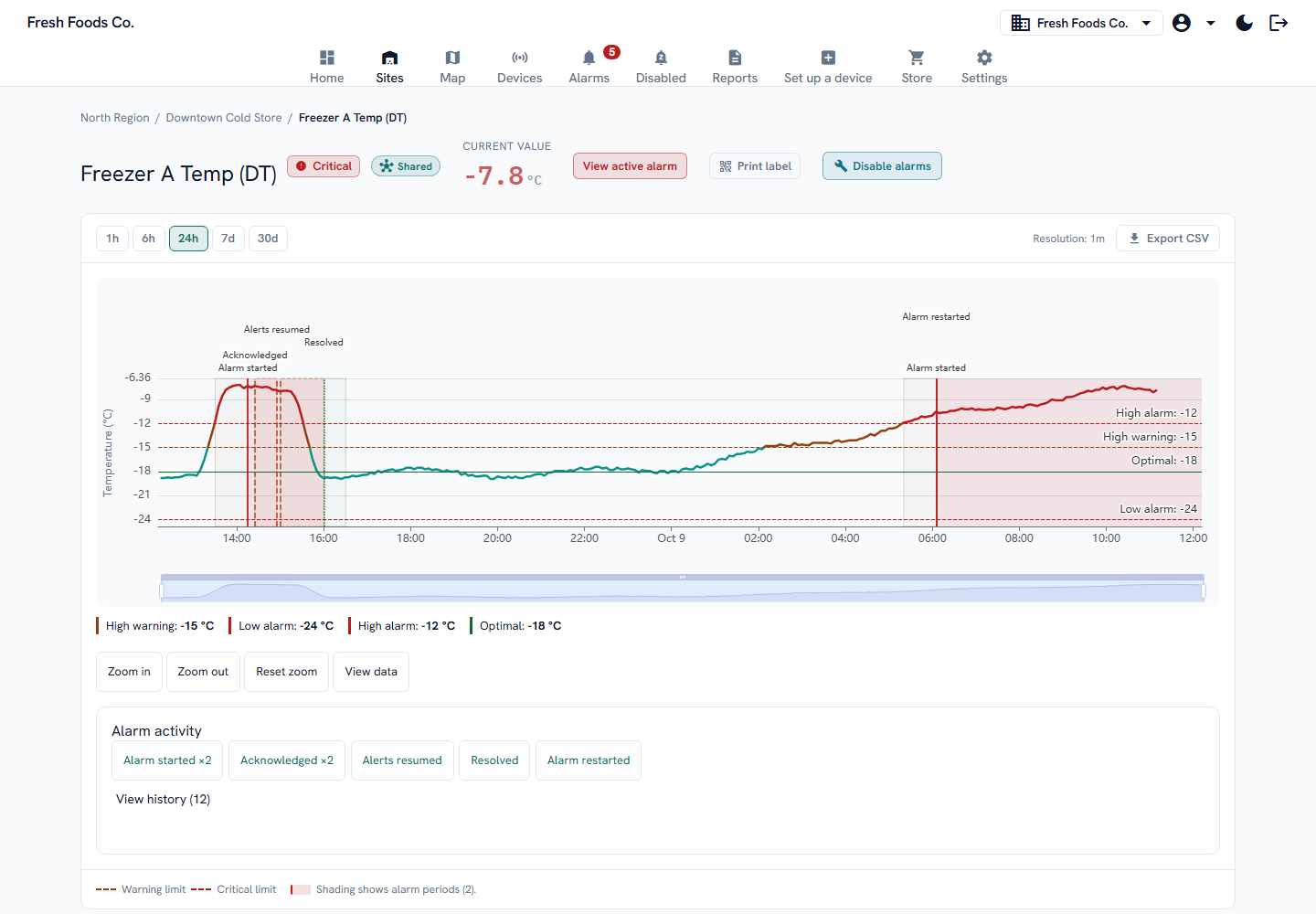
From a temperature excursion to the person responding, keep the reading and the next action together.
Follow the temperature against labelled limits, see when the alarm started, and review the response.
Captured from the current app with simulated readings and incidents. Bluetooth discovery uses a simulated device.
Open full-size capture of Temperature graph (new tab)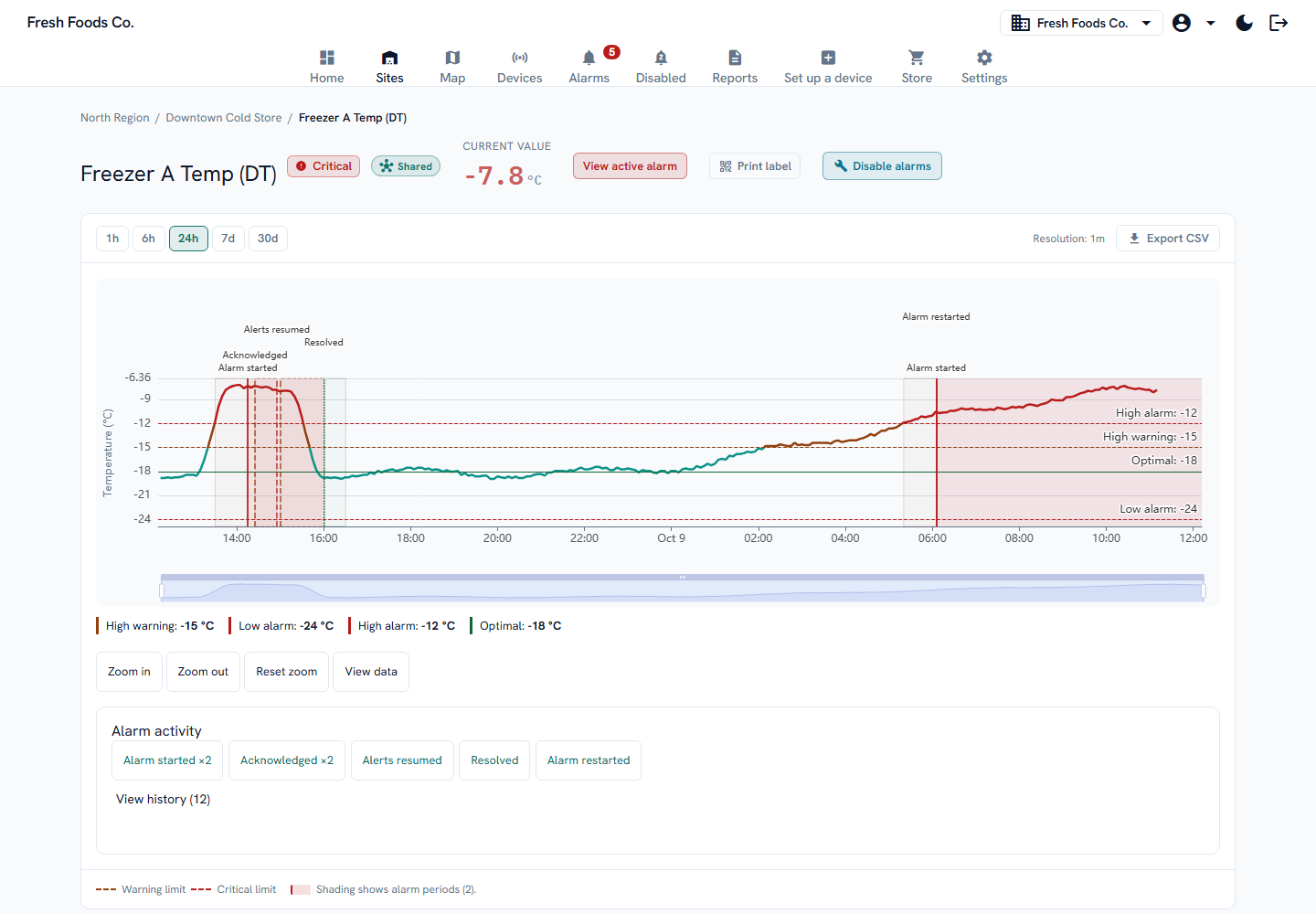
Mobile app alerts will be available at launch. See the affected location and temperature on your phone, then open the incident in FreshControls.
The alert identifies the monitored point, site, reading, and limit.
Tap an alarm notification to open its details in the app and review the temperature history.
Configure email, SMS, and escalation alongside app notifications. Automated voice calls are available on the Professional plan.
Friday, October 9
3:14
 FreshControlsnow
Time Sensitive
Critical alarm: Freezer A at Downtown Cold Store
Freezer A at Downtown Cold Store is −11.9°C (critical; threshold −12.0°C).
FreshControls combines wireless temperature monitoring, configurable alarms, and monitoring records in one dashboard. These are the capabilities to compare for your sites.
Teams monitoring freezers, cold rooms, kitchens, refrigerated retail, medication storage, growing spaces, and facilities. It is especially useful when several sites need one view of readings, alarms, and the people responding. Explore your industry.
Use the app’s guided Bluetooth setup to find a nearby device, confirm its label, select a site, and check connectivity. Hardware includes Wi-Fi sensors, long-range sensor options, and boards for external probes. Current gateway uplink uses Wi-Fi; Ethernet and cellular backhaul are planned. Confirm coverage and availability for your site. Review hardware.
Yes. Review temperature and humidity across your fleet, open a site, and find a point on its floor plan. Device offline alarms help distinguish a current reading from a sensor that has stopped reporting.
Save a target temperature for each monitored point and set high and low alarm limits. Optional warning limits can use different delays. Graphs label the limits and colour the measured trace when it crosses them. Configure escalation to the next responder when an alarm is not acknowledged. Read about alarm profiles.
Mobile app push notifications will be available at launch, alongside email, SMS, and browser notifications. A push alert opens the relevant incident in the app. Automated voice calls are available on Professional and Enterprise plans. Delivery depends on configured recipients, connectivity, and notification permissions. Compare notification channels.
Professional and Enterprise plans include temperature and alarm-history PDF reports, on demand or on a schedule. Records support review within your food-safety or quality program; monitoring software does not certify regulatory compliance. See a sample temperature report with simulated data. Compare plans.
One platform, every job the floor needs done.
Current app screens with simulated workspace data. Open an image to see the full detail.
Review temperature, humidity, door, and power readings across your sites. Site status highlights locations with alarms or offline devices.
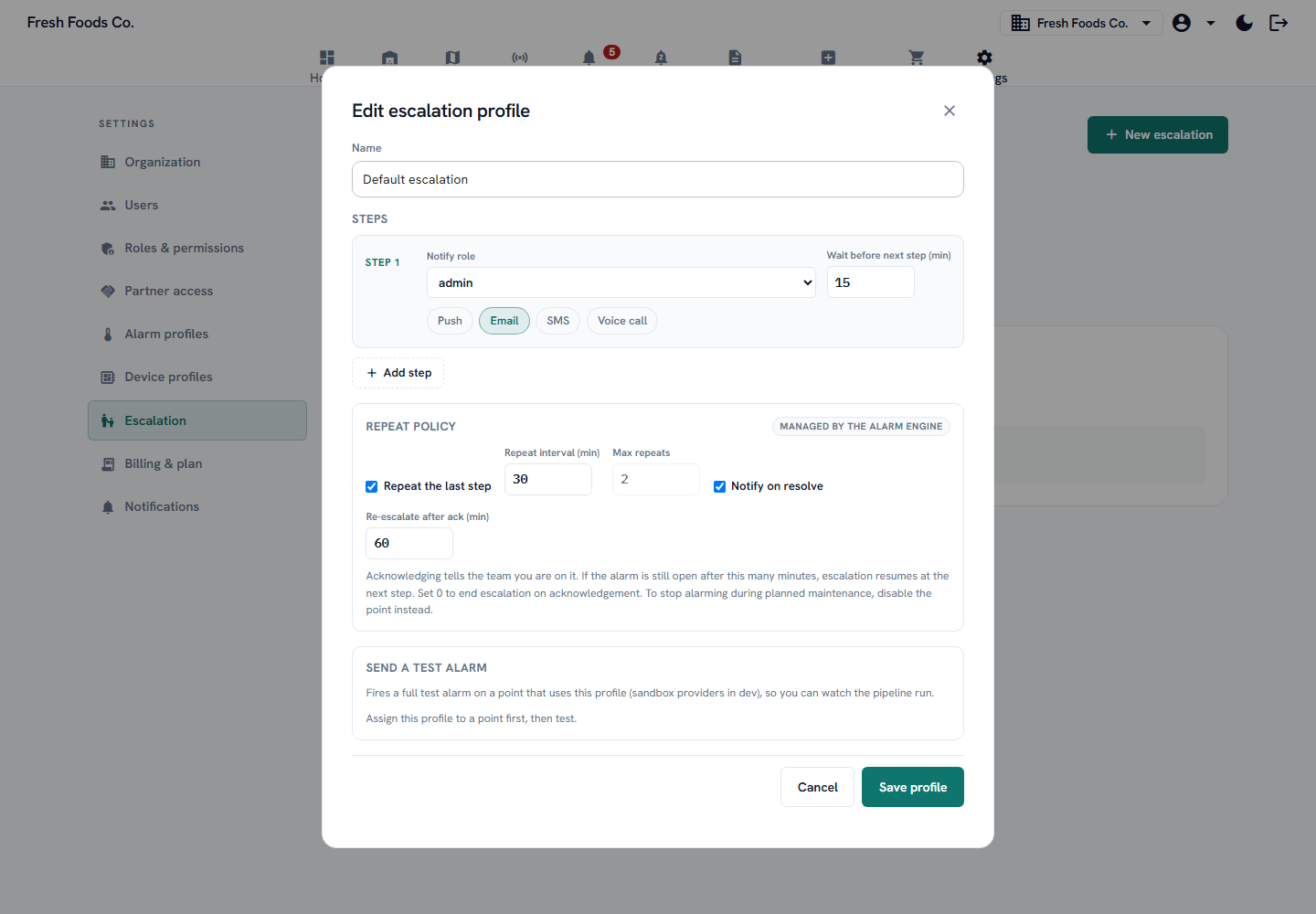
Threshold, door-contact, and offline alarms with configurable recipients and escalation for unanswered incidents. Email and SMS are available on every plan; automated voice calls require Professional or Enterprise.
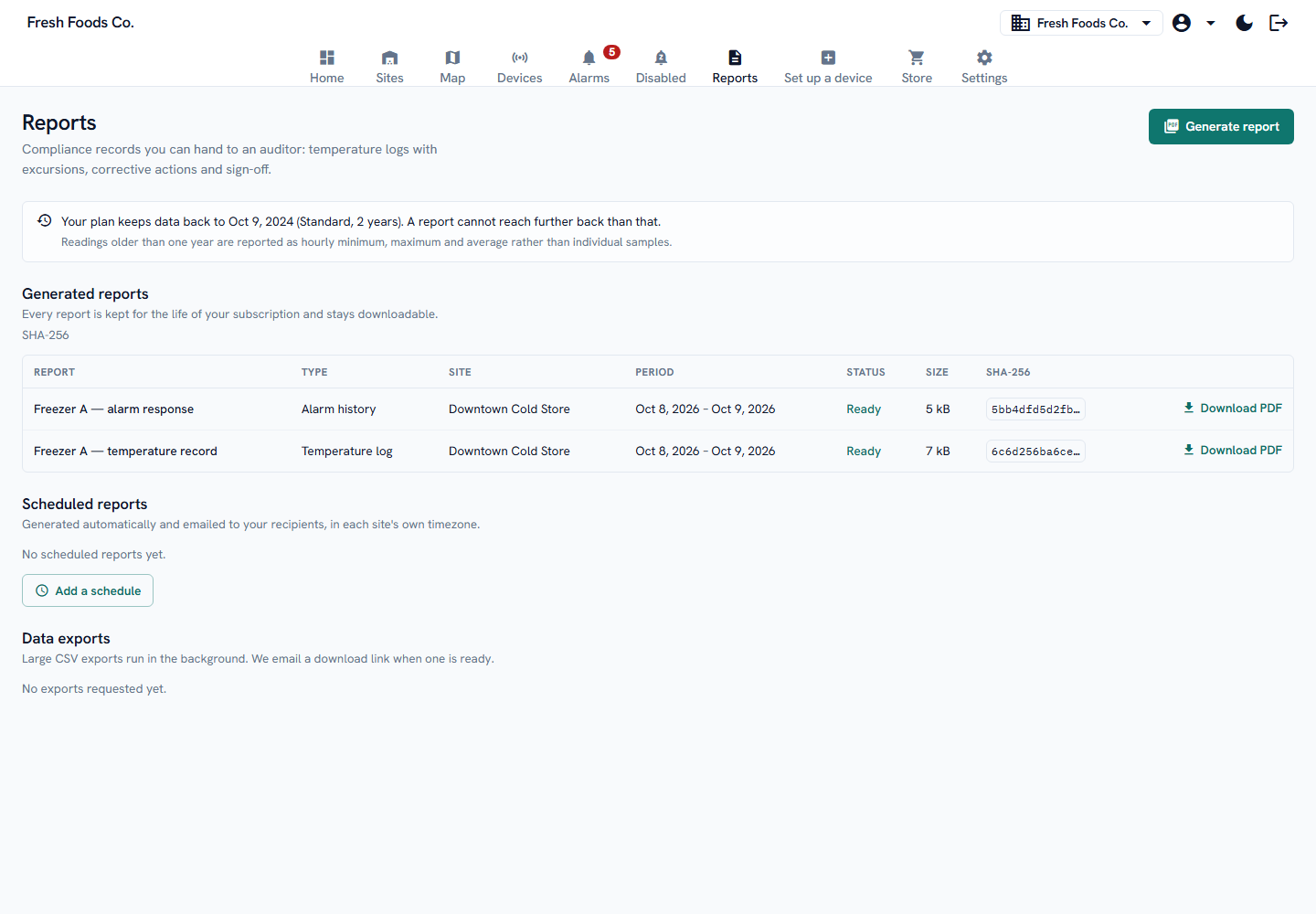
Generate temperature logs and alarm-history PDFs, scheduled or on demand, in each site’s local time. Reports include a verification hash for checking file integrity.
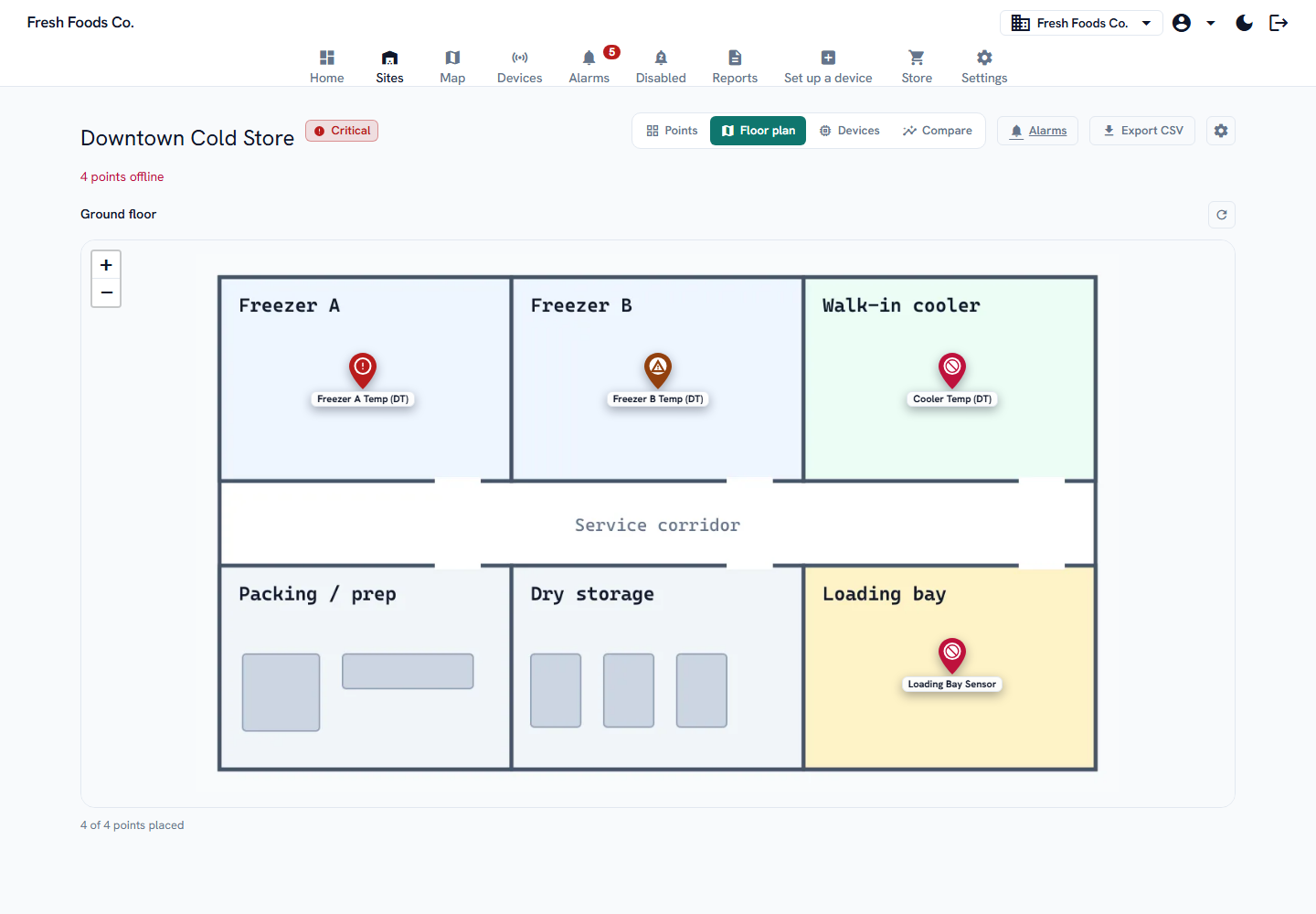
Review your region, open a site, and follow an individual monitoring point. Floor plans put each point in its physical location.
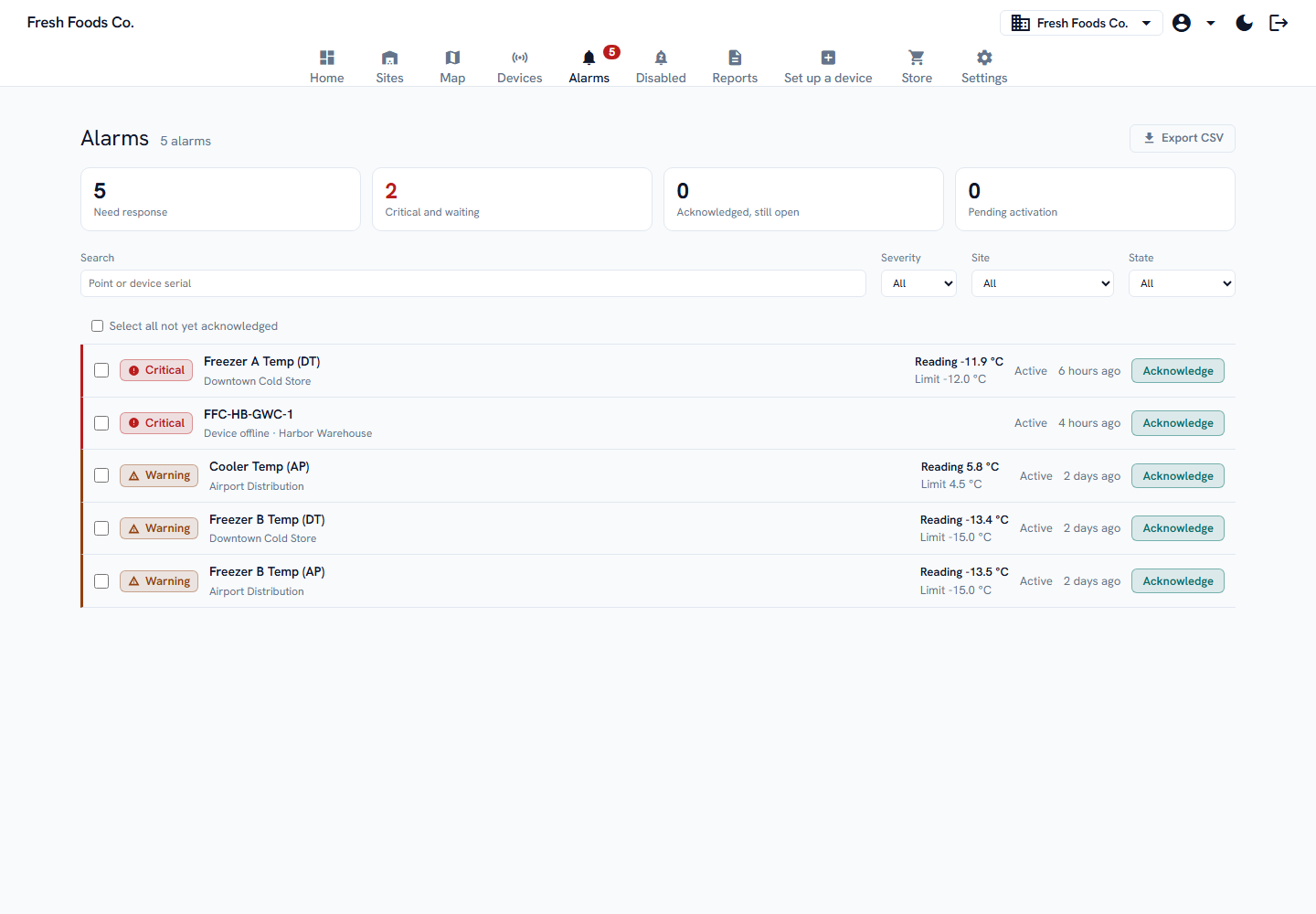
Alarms are evaluated on the platform, so a device that stops reporting is never mistaken for a device that is fine. When a sensor goes quiet past its expected check-in, FreshControls raises an offline alarm and escalates it like any other.
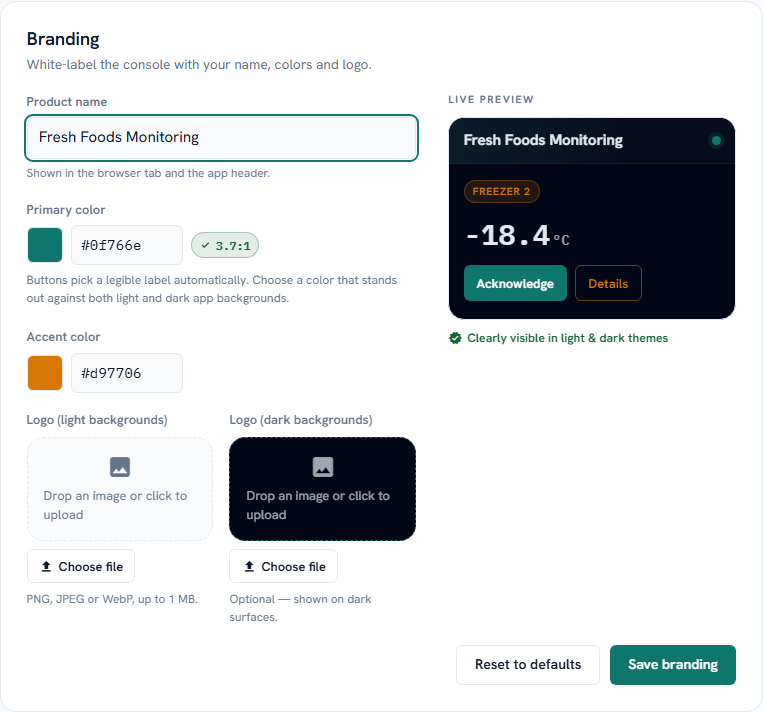
Monitor on behalf of your own customers under your own brand. Present the dashboard, reports, and alerts as yours when you resell monitoring as a service.
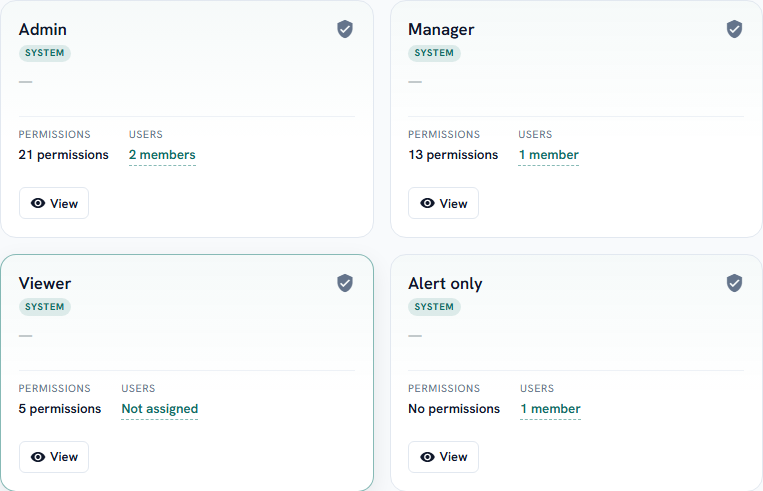
Role-based access for owners, managers, and floor staff across every site. Give each person exactly the reach they need — unlimited team members on every plan, no per-seat pricing.
The three things that decide whether monitoring works.
A monitoring tool that stays quiet when it matters is worthless. FreshControls obsesses over the moment a reading drifts out of range.
Continuous data is only useful at audit time if you can hand it over in a form the reviewer accepts.
Cold rooms and back-of-house networks are hostile, and the failure that costs you product is the one nobody notices. The platform treats silence as a signal.
The same engine, tuned to cold chain, restaurants, grocery, pharmacy, agriculture, and facilities — with the pains, coverage, and compliance records that fit each.
Explore industries HardwareWi-Fi and long-range temperature & humidity sensors, an 8-input monitoring board, and planned Ethernet and cellular gateways. Review supported capabilities and confirm availability.
See the hardwareWe’re bringing the first sites online one at a time. Leave your details and we’ll set you up as soon as we reach you. Your first order is covered by our 30-day money-back guarantee when its hardware comes to $500 or less — any mix of devices.